
Growth reports
A short weekly or monthly report on your visits, enquiries and Google searches, with a few specific ideas to bring in more customers.
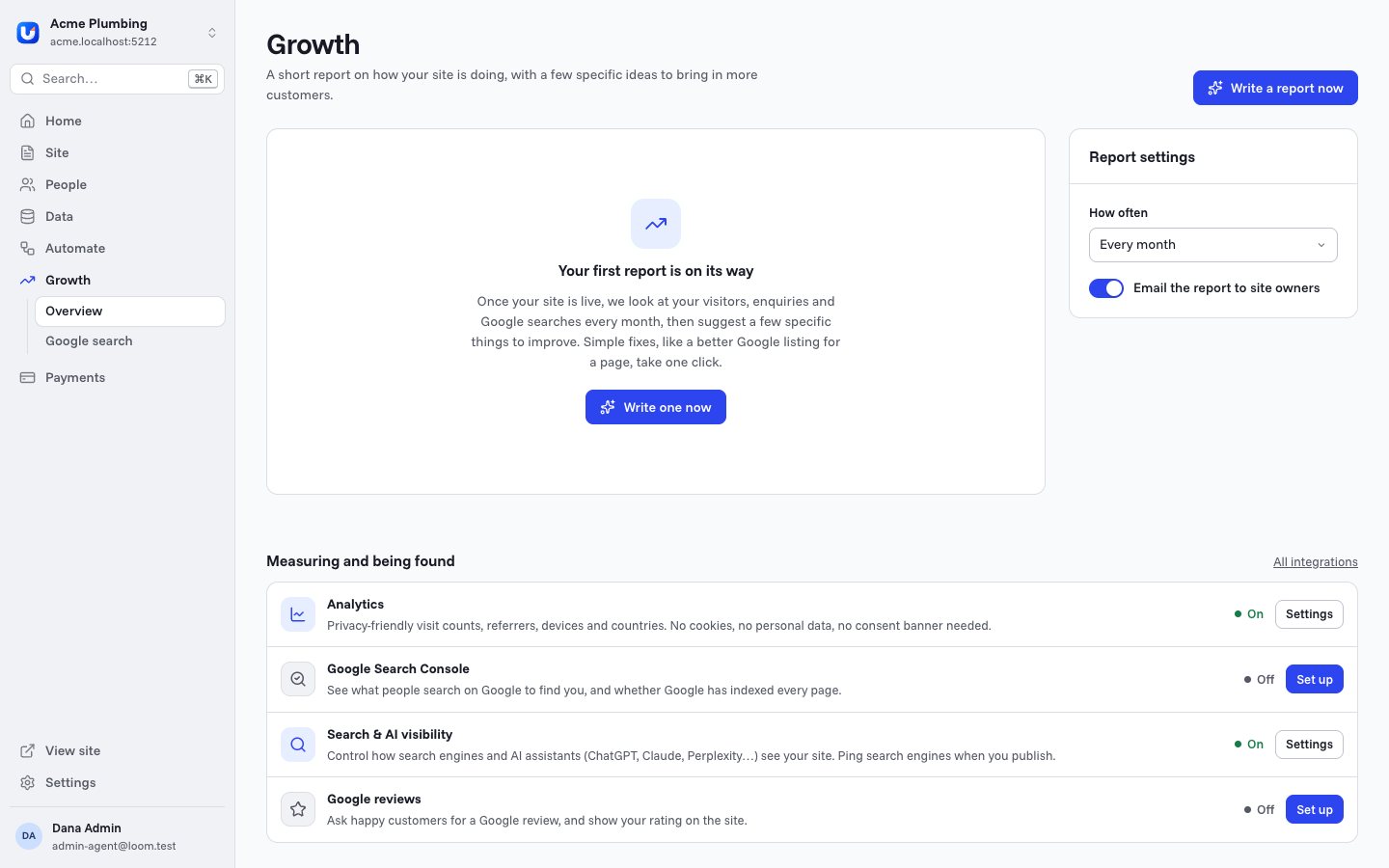
Growth tells you how your site is doing in plain words. Every month (or week, if you prefer) Unvop looks at your visitors, enquiries and Google searches, compares them with the period before, and writes a short report with a few specific things to improve. Simple fixes, like a better Google listing for a page, take one click.
Read your report
- In the sidebar, open Growth. You land on Overview with the latest report.
- At the top is a summary of the period, with highlights underneath.
- Below it are your numbers, each compared with the period before:
- Visitors (daily visitors, summed), Visits (page views), Enquiries and New contacts
- Revenue, when you take payments through the site
- Clicks from Google, Seen in Google and Average Google position, once Google search is connected
- Mobile speed score, out of 100, from Google
- Under Ideas to try next are the report's suggestions.
Act on an idea
Each idea says what to change and why, tagged by kind (Google listing, Content, Technical or Marketing) and effort (Quick or An hour or two).
- Google listing ideas come with a new Google title and description for one page, next to what it says now. Press Apply to and the page's listing is updated. Changed your mind? Press Undo.
- Content and Marketing ideas about a page have an Open button that takes you to that page in the editor.
- Technical ideas without a page link to Open Google search.
If an idea doesn't suit you, press Dismiss. Press Bring back to restore it.
Get a report now
You don't have to wait for the next one. Press Write a report now at the top. It usually takes under a minute.
Only site owners and admins can write reports or change report settings.
Choose how often reports come
- Open Growth.
- Under Report settings, choose How often: Every month, Every week or Off.
- Turn Email the report to site owners on or off.
Changes save straight away.
Look at past reports
Under Past reports, press any period to open its report. Each one shows how many ideas are still open, or All done. Reports you asked for are marked on request.