
Google search
Connect your site to Google in one click, then see what people search to find you and whether every page is on Google.
Google search shows what people type into Google before they visit you, which pages they land on, and whether Google has listed every page of your site. Unvop connects your site to Google Search Console for you: it proves the site is yours, adds it to Search Console and sends Google your sitemap. There's nothing to copy or paste.
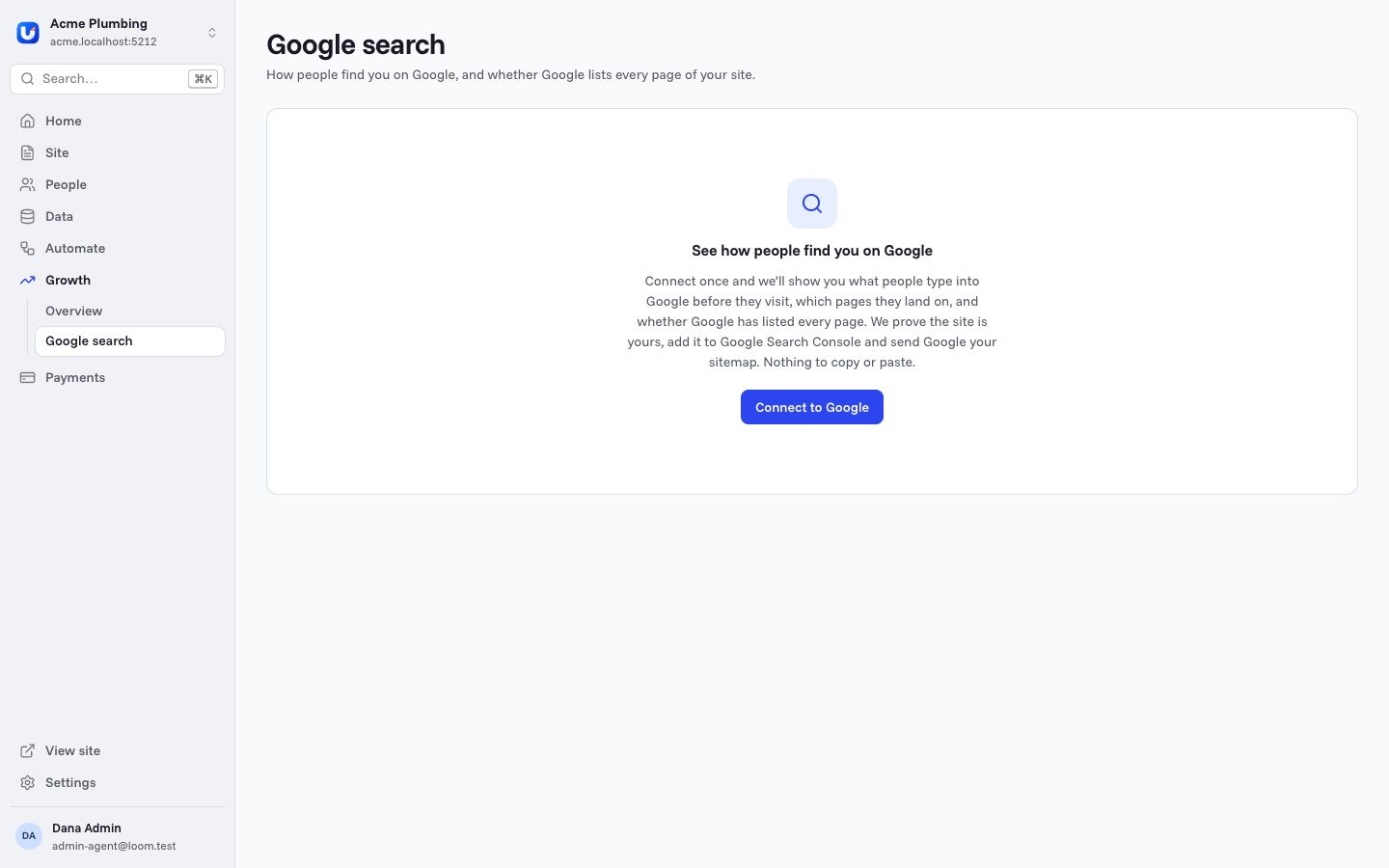
Connect your site to Google
Only site owners and admins can connect.
- In the sidebar, open Growth, then Google search.
- Press Connect to Google.
You'll see Your site is connected to Google. Google takes a day or two to share search data for a newly connected site. Unvop checks every day, so come back tomorrow. Meanwhile the page list at the bottom already shows whether Google has found each page.
Read your numbers
The four boxes at the top cover the last 28 days, compared with the 28 days before:
- Clicks: visits from Google.
- Impressions: times you appeared in results.
- Click rate: the share of impressions that became a click.
- Average position: where you appeared. 1 is the top of the first page, so lower is better.
The chart below shows clicks or impressions day by day. Switch between Clicks and Impressions, and between 28d and 90d. Google reports with a delay of two or three days.
See what people search for
- What people search for lists the searches that showed your site, with clicks, impressions and position.
- Pages people land on lists your pages that appeared in results.
Use them to learn the words your customers use. Put those words in your headings and page text.
Use the quick wins
Quick wins points out places where a small change could bring more visitors:
- A search where you're close to the top. A page that answers that search directly, with those words in a heading, can move you up.
- A page people see but rarely click. A clearer page title and description in the page's SEO settings tell searchers why to choose you.
Check every page is on Google
Is every page on Google? lists each published page with a status:
- On Google: people can find it in search results.
- Not on Google: the What it means column says why in plain words and what to do. Press Details in Google for more.
- Checking: Unvop asks Google about each page within a day or two.
Unvop checks each page about once a week. New sites often take a few weeks to be fully listed.
Update the numbers now
Search data refreshes every day on its own. To fetch it straight away, press Sync now at the top.
See your site in your own Search Console
Unvop looks after your site in Google for you, but you can open it in Google Search Console too.
- Scroll to See this in your own Search Console.
- Enter your Google account email: a Gmail address, or your work address if your business uses Google Workspace.
- Press Add to Search Console.
Sign in to Google Search Console with that account to see your site. Press Remove next to an account to take its access away.
When your address changes
If you connect a new domain, Google search shows a notice that your site now lives somewhere new. Press Connect new address so Google tracks it. Your history stays.