
Your team
Invite people to manage your site with you, choose what they can do, and remove them when they leave.
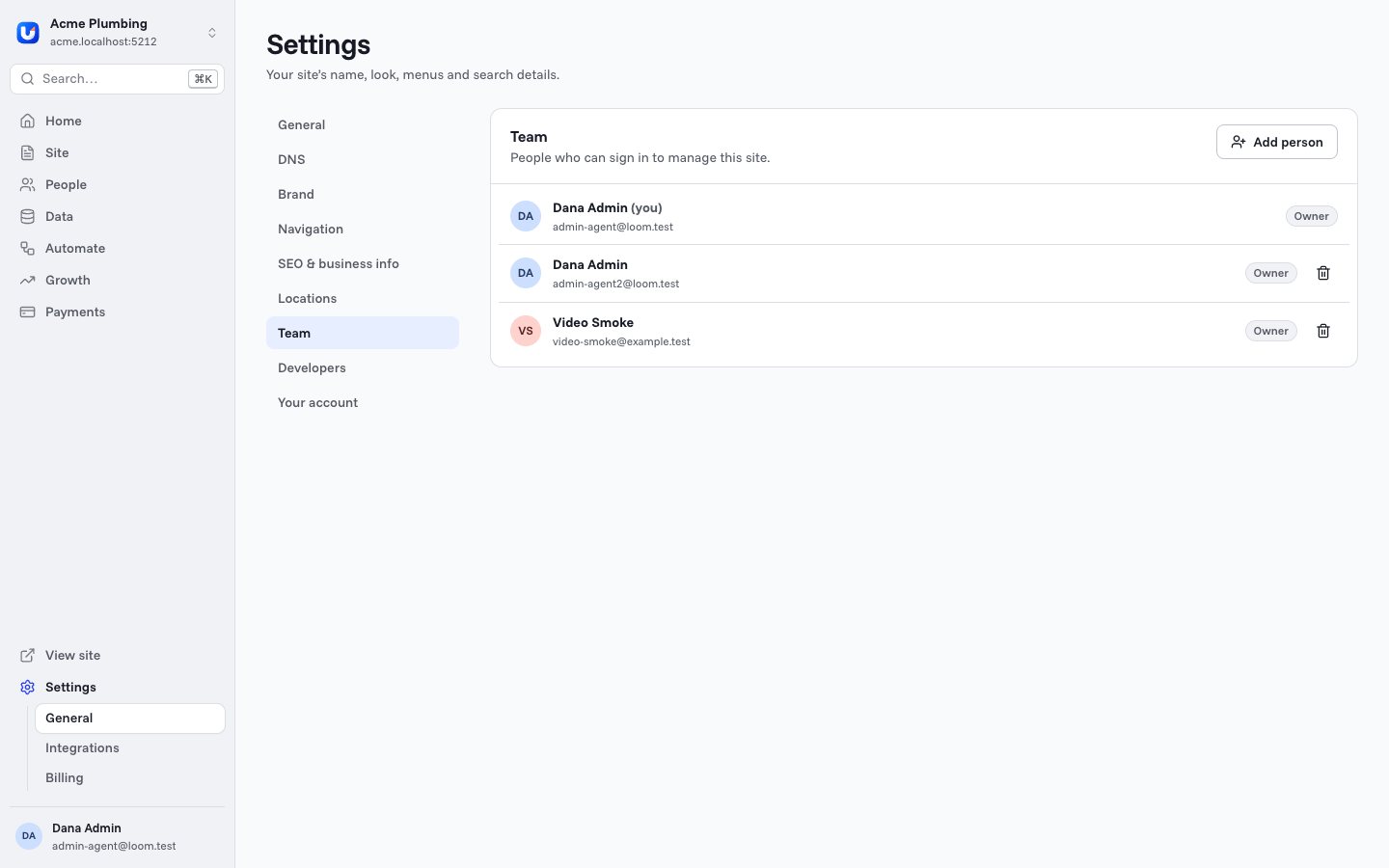
The Team tab lists everyone who can sign in to manage this site. Add a colleague, a designer or your agency, and give each one the role they need. Site owners and admins can add and remove people.
What each role can do
| Role | What they can do |
|---|---|
| Editor | Edit pages, articles, media and contacts. |
| Admin | Everything, including plugins, settings and team. |
| Owner | Full control. Can't be removed by admins. |
Give people the smallest role that lets them do their job. Most people only need Editor.
Add someone to your team
- In the sidebar, open Settings, then Team.
- Press Add person.
- Fill in their Name and Email.
- Choose a Role: Editor or Admin.
- Press Add person.
If they already have an Unvop sign-in, they're added straight away and see this site next time they sign in.
If they're new to Unvop, a window called Share these sign-in details appears with the address to sign in at, their email and a temporary password.
- Press Copy details.
- Send them privately, for example in a direct message, not a group chat.
- Press Done.
Change someone's role
Add them again with the same email and the new role. Their role is updated, and nothing else changes.
Remove someone
- Open Settings, then Team.
- Press the bin icon next to their name.
- Press Remove.
They can no longer sign in to this site. You can't remove yourself, and site owners can't be removed.
How many people you can add
Each plan includes a number of team members. See your plan for the limit.